
Access tokens
An access token is a secret BeanHub shows once. Use it as:
- Git HTTPS password (Git over HTTPS)
- HTTP
Authorization: Bearerfor https://api.beanhub.io
It is not your account password. Revoke it in the UI without changing the password.
Create a token
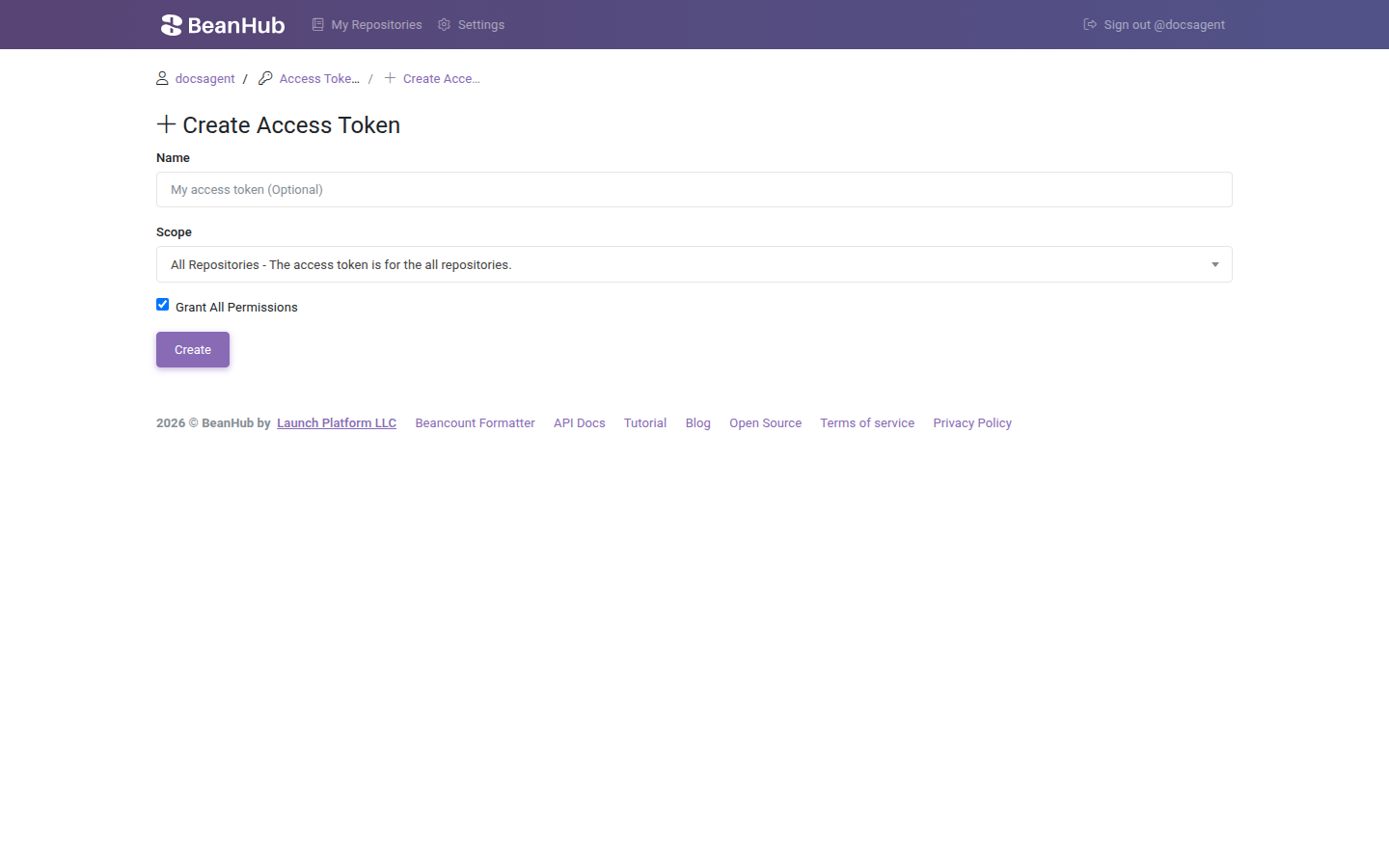
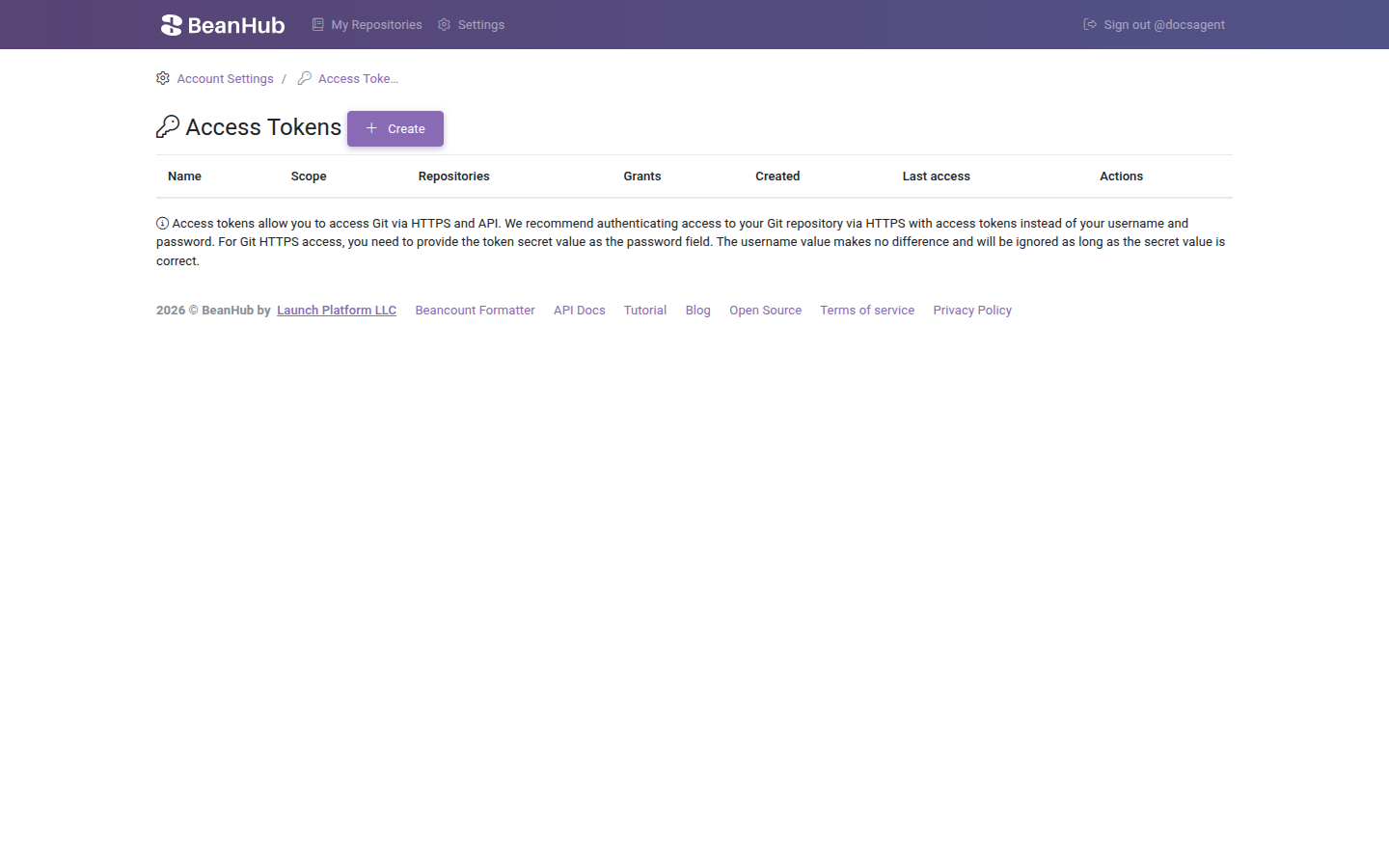
Section titled “Create a token”- Sign in. Open Account Settings → Manage Access Tokens, or https://app.beanhub.io/access-tokens/.
- Create a token.
- Optional name (max 64 characters).
- Scope: which books the token may touch.
- Leave Grant All Permissions checked for a laptop. Narrow the grants for CI.
- Copy the secret. You will not see it again.
bh login opens this same grant flow with a short code you must match.
Scopes
Section titled “Scopes”| Scope | Meaning |
|---|---|
| All Repositories | Every book you own |
| All Public Repositories | Public books only |
| All Private Repositories | Private books only |
| Selected Repositories | The books you pick in the multi-select |
Grants
Section titled “Grants”If Grant All is off, you pick each area:
| Grant | Typical use |
|---|---|
| Git HTTP | Readonly clone/fetch, or read and write (push) |
| API Entries | Read or write entries |
| API Forms | Read or submit forms |
| API Commits | Read commits |
| API Connect Sync | Trigger bank sync |
| API Connect Dump | Dump Connect CSVs |
| API Inbox Dump | Dump inbox mail |
Git write implies you intend to push. Clone of a private book needs at least Git read.
API header
Section titled “API header”curl https://api.beanhub.io/v1/repos/USERNAME/REPO/entries \ -H "Authorization: Bearer YOUR_TOKEN"The access-token header still works with the same token. It is deprecated. Live reference: https://api.beanhub.io/redoc.