
Browse the ledger
After you create a book, the website is a reader for the current Git commit.
Home is the file tree at the current branch tip, plus README.md if present.
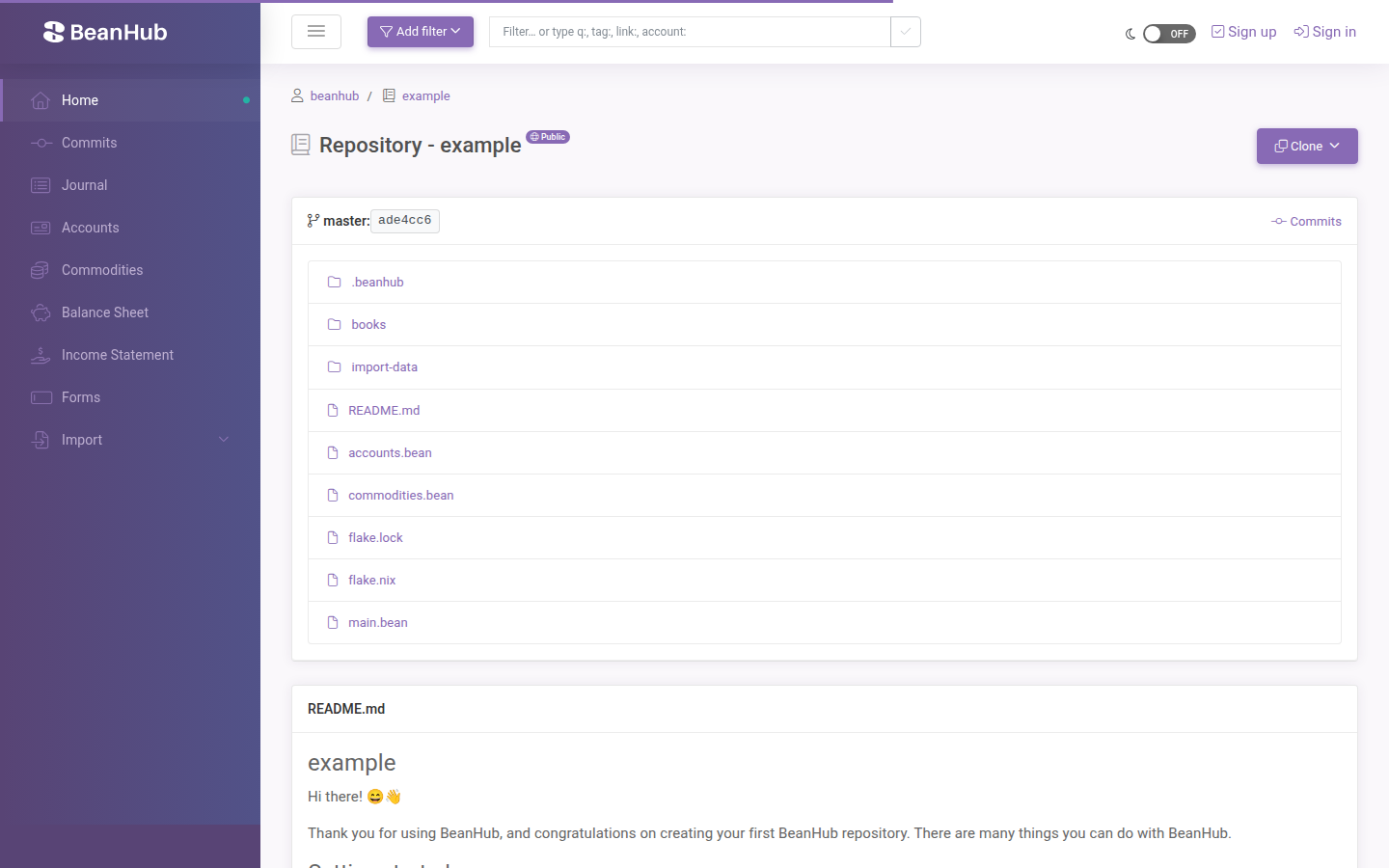
Click a folder to walk the tree. Click a file to open it (syntax highlight for .bean files, Markdown for .md). The breadcrumb can switch branches when more than one exists.
Clone copies the HTTPS URL. SSH is listed as coming soon. See Git over HTTPS.
Journal
Section titled “Journal”Journal lists Beancount entries from main.bean (and its includes), newest first. The page shows 200 rows at a time (you can raise that up to 1,000 with a limit query parameter in the URL).
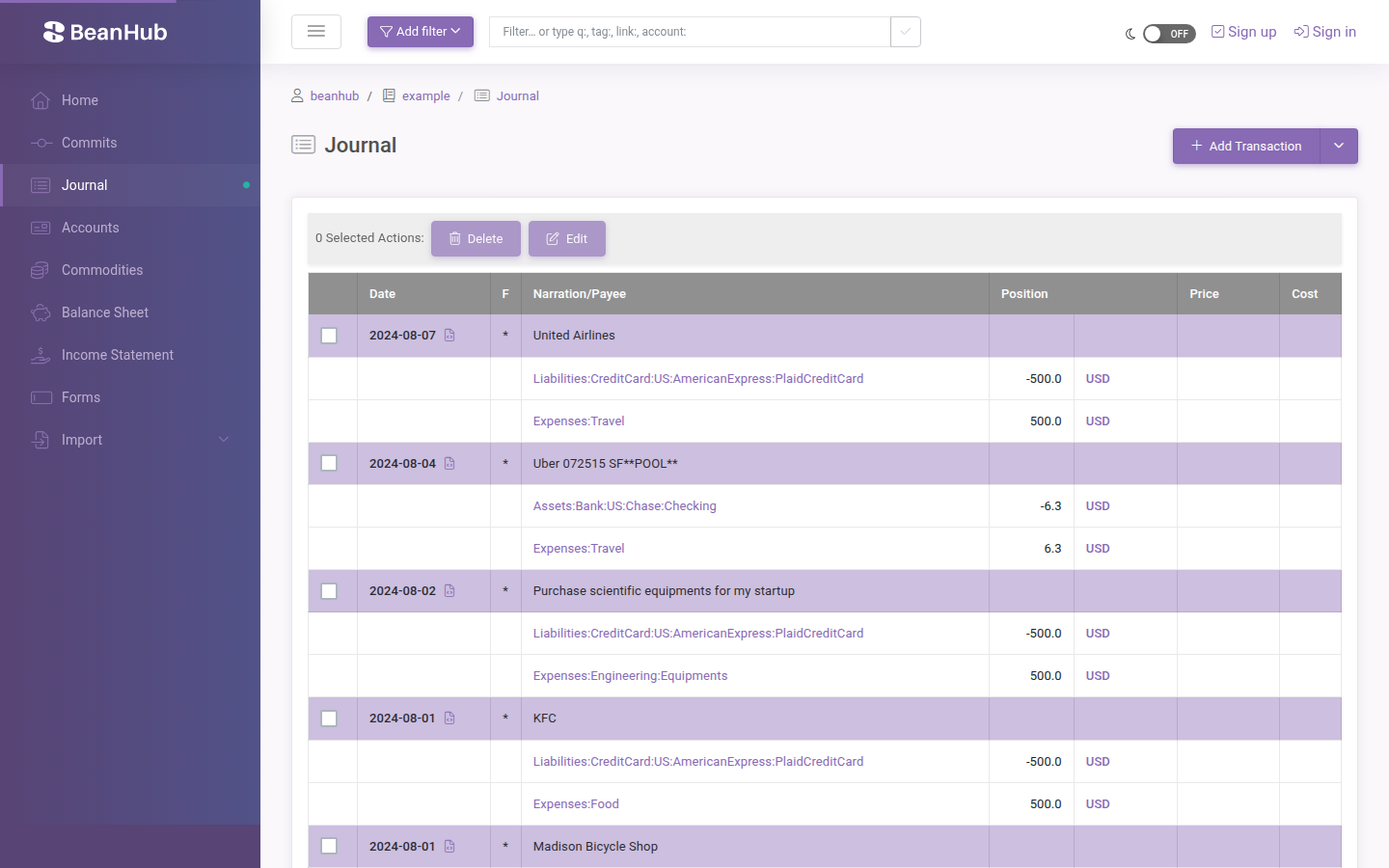
Add Transaction (and the split dropdown: Open Account, Close Account, Add Commodity, Balance, Note, Event) is covered in Edit and commit.
Click an entry when the UI offers edit or selection. The journal is also the place you notice import results after a CSV upload.
Date filters
Section titled “Date filters”The header Add filter button limits which entries appear on journal, accounts, and reports:
- Recent 30 days
- This / last month
- This / last quarter
- This / last year
- Custom range
- A specific year or quarter from your book’s date span
Filters apply to the current book session. Clear them when you want the full history again.
Accounts
Section titled “Accounts”Accounts lists built-in roots (Assets, Liabilities, Income, Expenses, Equity) and the accounts opened in your book. Click an account for its balance and the entries that touch it.
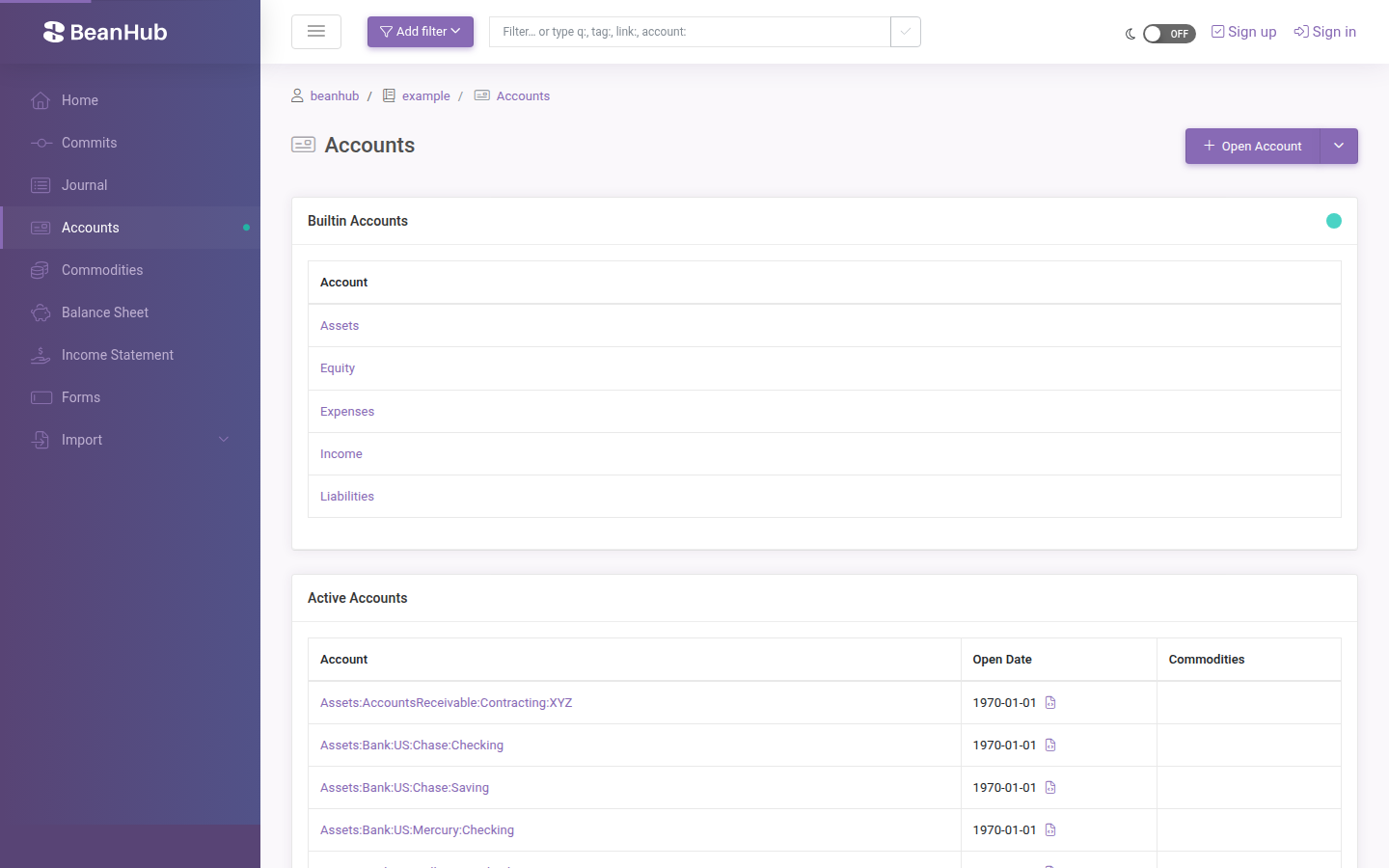
Open Account writes an open directive. Close Account writes a close. Rename lives on the account page when you are the owner.
Commodities
Section titled “Commodities”Commodities lists declared currencies and other units (USD, stock tickers, and so on). You can add a commodity from the journal dropdown or rename one from its page.
Commits
Section titled “Commits”Commits is git log in the browser. Click a commit to see the message, author, and file diffs. Import, Connect, forms, and website edits each create a commit. That is the audit trail.
What you cannot do here
Section titled “What you cannot do here”- There is no pull-request product. Review happens in the commit list or on your laptop.
- SSH clone is not available.
- Files that are not included from
main.beanare visible in the tree but absent from journal and reports.