
Custom forms
A form is a YAML definition in .beanhub/forms.yaml. BeanHub renders it as a web form. Submit writes Beancount into the files you named and creates a Git commit.
Use forms for repeating work: contractor hours, a transfer between accounts, a monthly accrual. Do not use a form for a one-off lunch. Use Add Transaction or Open TXNs.
Try the sample
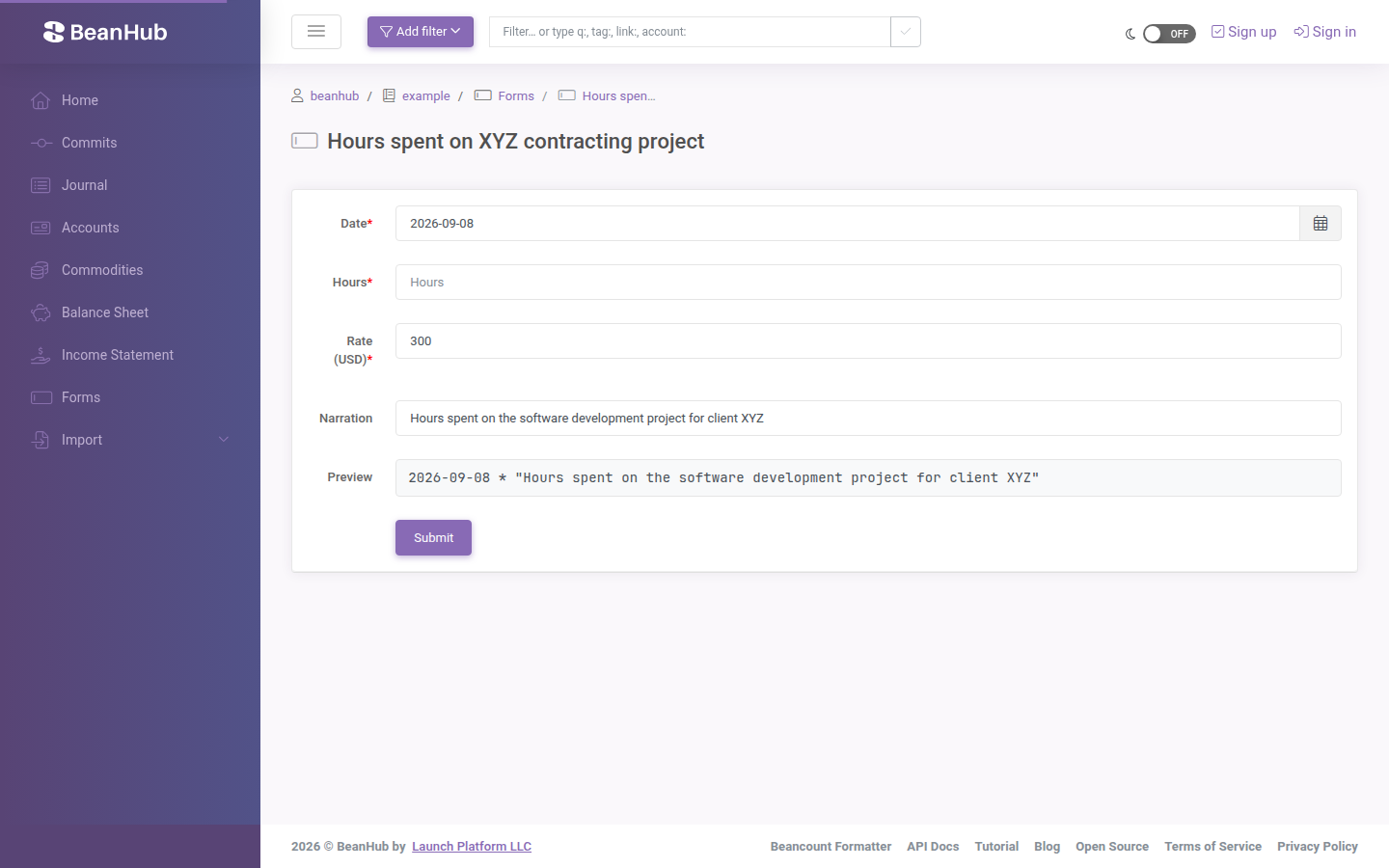
Section titled “Try the sample”The sample book already has a form. Open Forms. Click the hours form (the cookiecutter name is along the lines of “Hours spent on XYZ contracting project”).
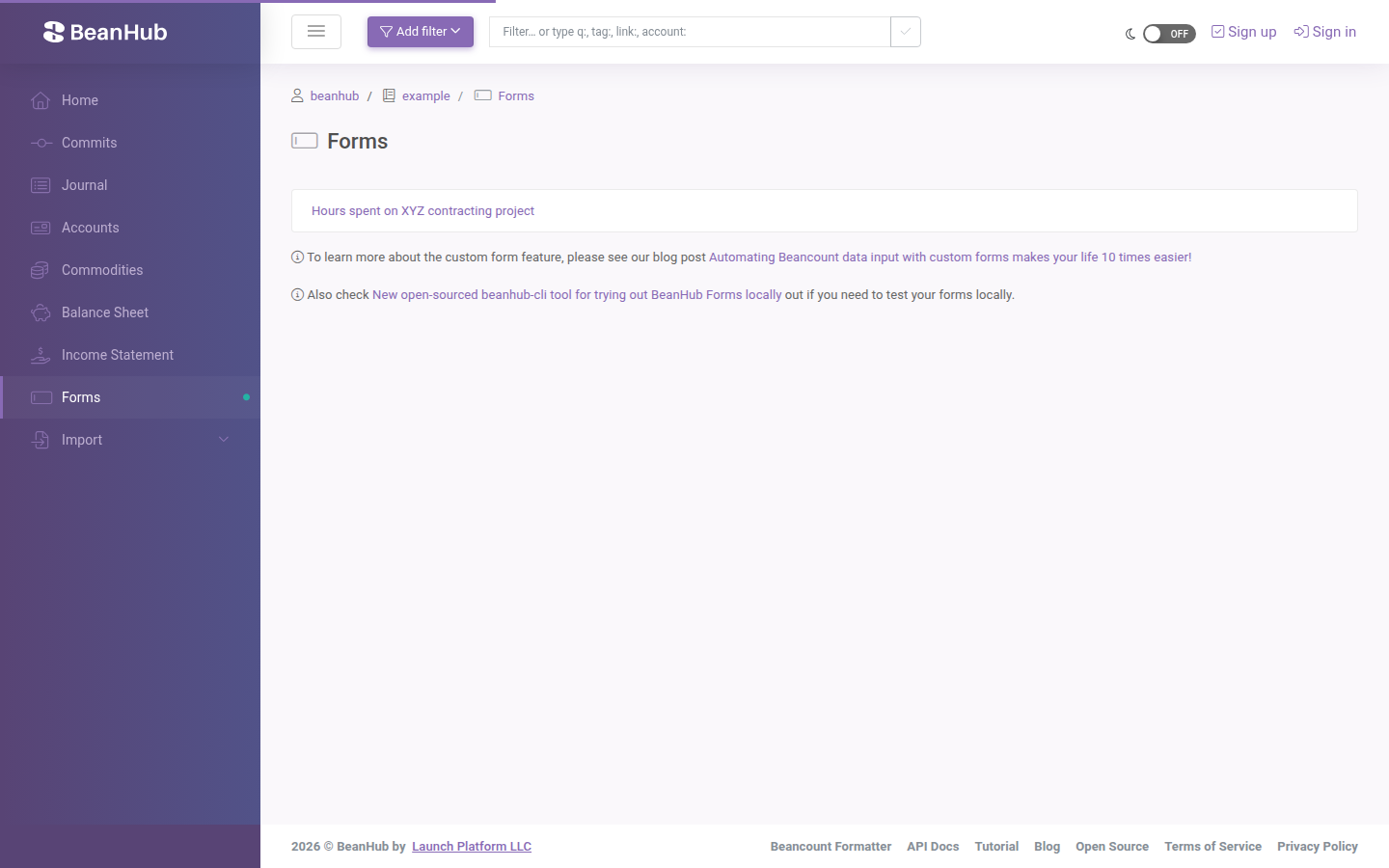
Fill the fields and submit. Commits shows the new transaction.
Where the YAML lives
Section titled “Where the YAML lives”.beanhub/forms.yamlEdit it locally and push. The website file viewer is read-only. Schema and examples: Automating Beancount data input with custom forms. Library: beanhub-forms.
Try a form without pushing
Section titled “Try a form without pushing”pip install "beanhub-cli>=3.0.0"bh formThat serves the forms locally. CLI forms docs and blog on CLI tools.
You can submit a form with the HTTP API (Authorization: Bearer). See API overview and the Redoc forms section. The 2023 API announcement still describes this flow: API access.