
Inbox
Inbox (beta in the sidebar) gives each book an email address. You forward invoices and receipts. BeanHub stores the message and attachments so you can find them later. Optional AI extraction uses the open-source beanhub-inbox engine. You can run the same extraction locally.
Inbox appears on Git books and Connect-only books.
The address
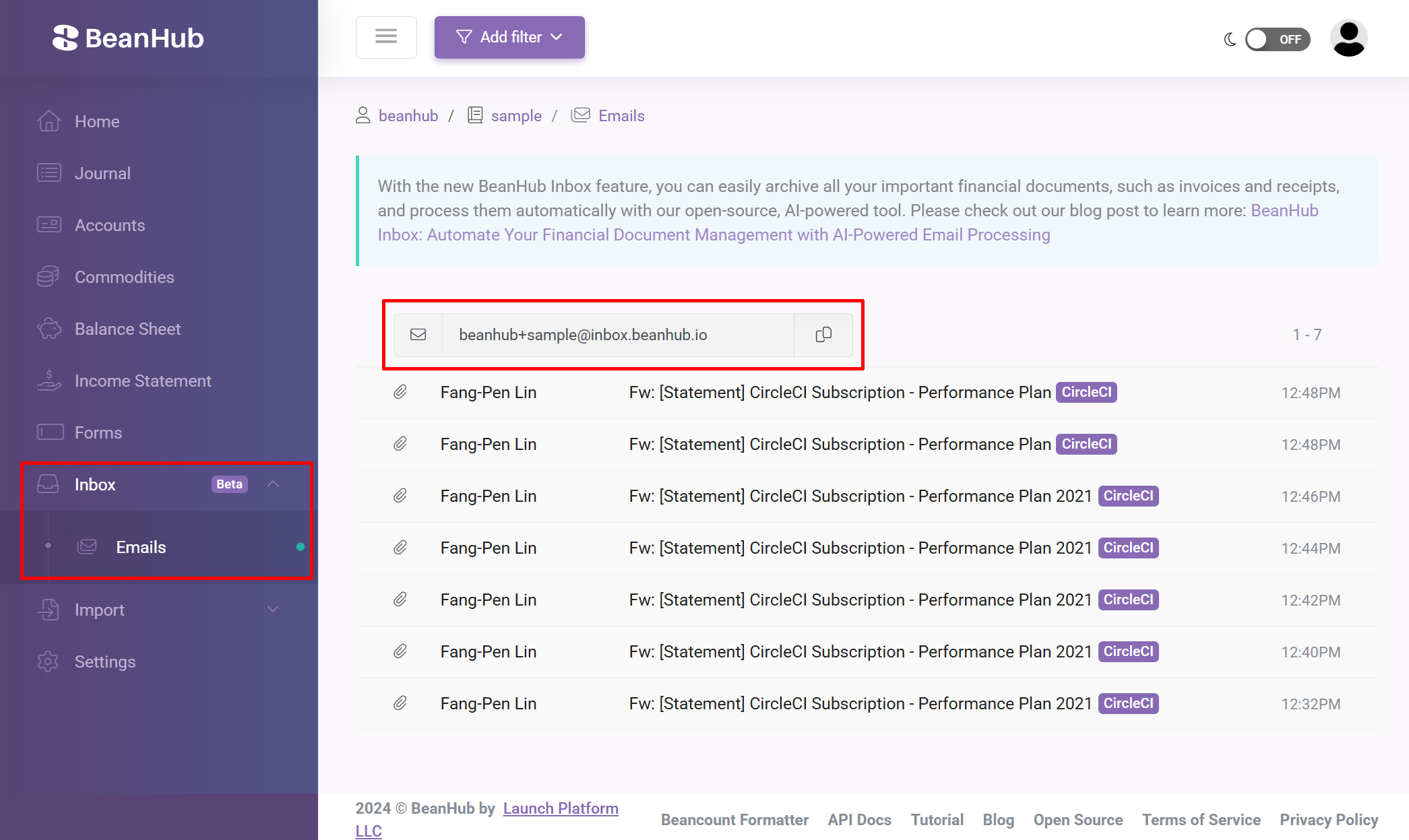
Section titled “The address”On Inbox → Emails the text box shows:
<username>+<repository>@inbox.beanhub.ioExample: user janedoe, book mybook → janedoe+mybook@inbox.beanhub.io.
You can add extra + tags:
janedoe+mybook+SaaS+GitHub@inbox.beanhub.ioBeanHub attaches tags SaaS and GitHub to that message. Use tags to filter later.
Production domain is inbox.beanhub.io. (Local development uses a different domain. Do not send mail there.)
Receive mail
Section titled “Receive mail”- Copy the address.
- Forward or BCC a receipt from your normal mailbox.
- Refresh Emails. Click a row to read the body and download attachments.
Pause receiving in repository Settings by checking Pause Inbox Receiving. The address stays the same.
AI extraction
Section titled “AI extraction”The hosted product can extract fields from invoices (paid plans advertise AI extraction). You can also dump emails and run extraction yourself:
pip install "beanhub-cli>=3.0.0"bh loginbh inbox dumpbh inbox extractbh inbox dump needs a signed-in CLI. bh inbox extract can run on .eml files you already have. Blog with a demo video: BeanHub Inbox. CLI: beanhub-cli inbox.
Inbox is beta. Schemas and UI can change. Keep a copy of important PDFs outside BeanHub if you rely on them for tax or audit.
Settings
Section titled “Settings”Repository Settings includes timezone (used when displaying times) and the pause-inbox checkbox. Deleting an email in the UI queues cleanup of stored blobs.